How to Make a Personalized Children's Book (Without Losing a Saturday)
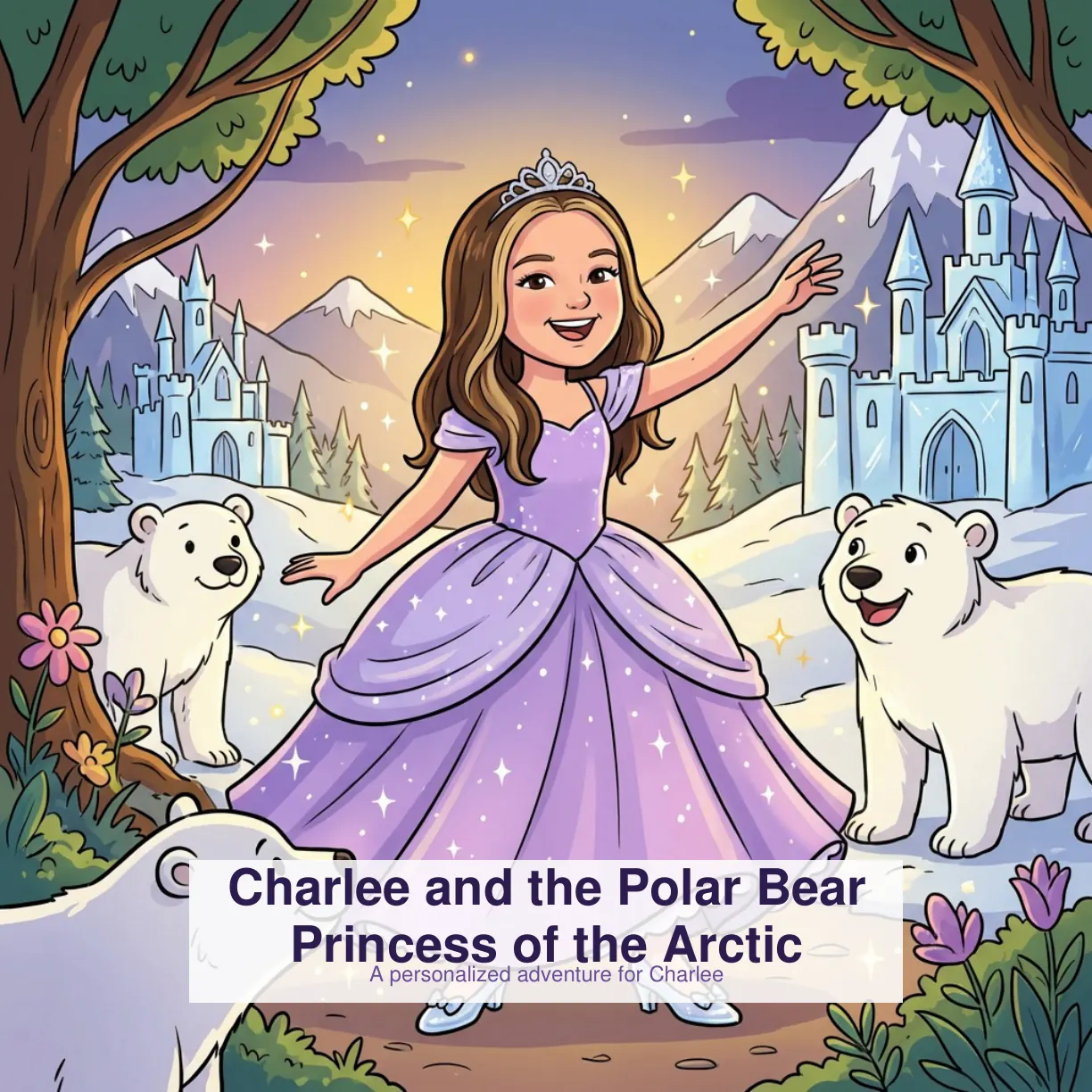
If you search for "how to make a personalized children's book" you get two flavors of advice. Flavor one: buy a premade template from Wonderbly or Hooray Heroes, swap your kid's name in, and call it a day. Flavor two: write the story yourself from scratch, hire an illustrator on Fiverr, and spend a full Saturday in Canva. Flavor one is lazy, flavor two is a time sink.
There's a third option now, and it's the reason this site exists. You can use AI to write an original story based on your child's specific personality, not a template, and generate illustrations from real photos. The whole thing takes about five minutes. Here's how to do it well.
1. Pick good photos
The single biggest quality-driver is the photos you upload. Front-facing, well-lit, no hats or sunglasses. One clear photo is usually enough, two or three gives the AI better data to work from. Skip anything where the kid is squinting, shadowed, or turned more than 30 degrees off-center.
If you only have sideways shots or toddler blurs, take two minutes to snap a fresh one before starting. A quick photo in natural window light beats the best-looking Instagram shot every time.
2. Give the AI something to work with
When you fill in the "about your child" section, avoid generic answers. "Likes trucks" is thin. "Obsessed with garbage trucks, knows every brand, waves at them from the window" gives the AI a real thread to pull on.
The other high-leverage field is the "anything to avoid" box. Use it. If your kid is scared of the dark, or recently got a sibling and is not adjusting well, or hates loud sounds, put it in. The story will steer around it.
3. Pick the right illustration style
Cartoon is vibrant and kid-friendly, great for younger readers. Classic storybook has a more polished, grown-up feel that works well for gift editions. When in doubt, cartoon for younger kids, classic for older ones.
4. Preview before you pay
Adventures Of shows you every page before you commit. If the main character doesn't look quite right, regenerate that illustration. It's faster than trying to describe what you want in words.
5. Print it, don't just keep it digital
Digital is fine for bedtime on a tablet, but the magic really lands when the kid can hold a physical book with their face on the cover. Print the PDF at home on heavy paper, or order a softcover or hardcover at checkout and skip the printer altogether.
Make a Book in About 5 Minutes
Upload photos, answer a few questions, get a print-ready PDF. $14.99.
Start Your Book